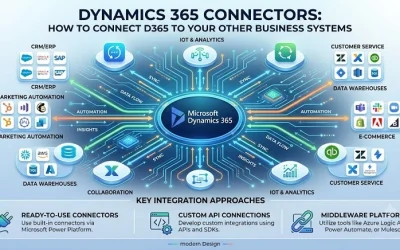
Package deployer tool is part of Dynamics 365 CE SDK tools that helps to automate the various steps of deployment like import of solutions, moving configuration or master data records, deploying any other associated applications, custom code to run etc. by combining them into a single package that can be run which would do all the required steps without manual intervention, thereby, reducing the risk of any error.
Follow the below link to download the Package Deployer using PowerShell
https://docs.microsoft.com/en-us/dynamics365/customer-engagement/developer/download-tools-nuget
Let us see how we can create the Package using Visual Studio and use Package Deployer tool to run the package created.
First, we need to download the Package Deployer template for Visual Studio that is part of Microsoft Dynamics CRM SDK Templates
https://marketplace.visualstudio.com/items?itemName=DynamicsCRMPG.MicrosoftDynamicsCRMSDKTemplates
Run the CRMSDKTemplates.vsix to install the template.
After successful installation, create a new project of type CRM Package
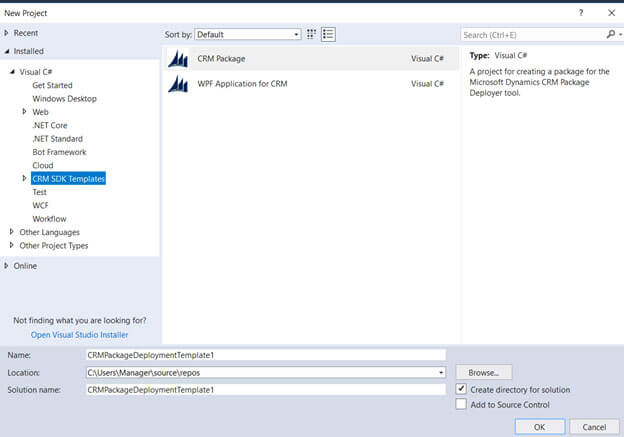

In the project within the right click the PkgFolder and add all the components that we want to be part of Package.
Here we have added the following components
- Sample Solution – Dynamics 365 CE file.
- Leads – CSV file having lead records.
- Configuration Data – zip file for the import created using Configuration Migration Utility.

After adding the components part of the package, next, we need to update ImportConfig.xml to make the package aware of the content.
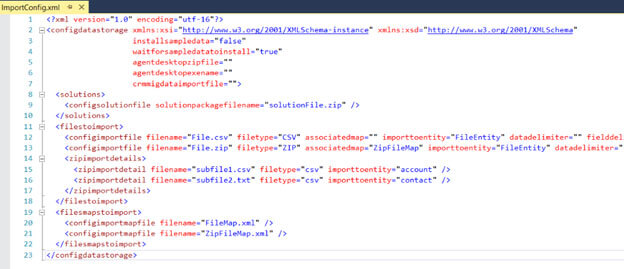
After update.

As we can see we have updated the file to reflect the content of our package.
Now right click the project and build it. This creates the assembly and the PkgFolder that we can use with PackageDeployer tool.

We will copy them to package deployer tool’s folder
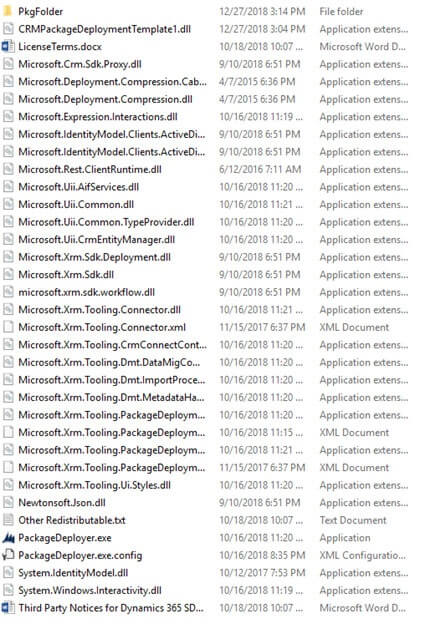
Next, we will run our PackageDeployer.exe and connect to the organization where we want to deploy the package.

Click on Next to start the process

After successful completion, we’d see all our steps in green.
In case of any error, we can click on View log file link to get the details of the error and fix it.

Also, we have an option of updating the HTML files that are part of packages i.e. Welcome page and the End page.
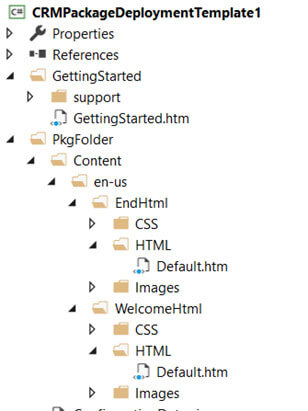
Below we have updated the Default.htm of the Welcome Html. These pages will also be deployed as part of the package content to the package deployer folder.
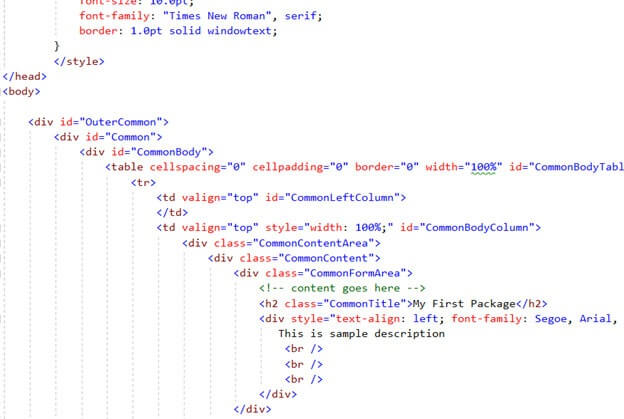
This is how the changes reflect inside the Package Deployer tool

Thus we saw how using the Package Deployer tool we can automate all the important steps that are part of solution deployment and movement, without any single line of code. Businesses can also consult an Expert Dynamics Implementation Partner when they need guidance on managing more complex deployment requirements.